

Smart Home Basics: Where to Start Without Spending Much
A practical guide to home automation in Mexico: which devices to buy first, what they cost, and how to build a useful system without renovating your whole home.
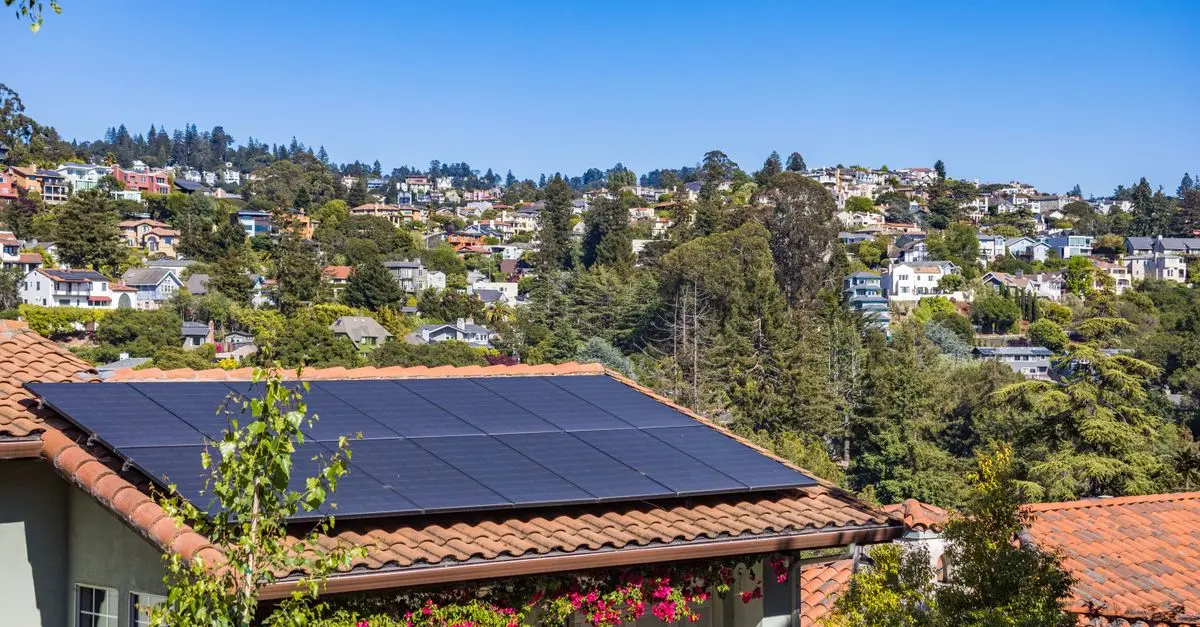
Home automation in Mexico is no longer a luxury reserved for high-end residences. Today there are low-cost, easy-to-install solutions that don't require hiring a specialist and let you automate lighting, security and climate control with a modest initial investment. The key isn't buying everything at once, but prioritizing the devices with the biggest impact on comfort, energy savings and security, and expanding the system over time.
Why it pays to start small
Many people associate home automation in Mexico with expensive installations that require rewiring the entire property. In reality, most of today's devices work wirelessly, connect to your home wifi and are controlled from a smartphone app, with no construction or additional wiring. This lets you start with a small budget and expand the system as you confirm its real usefulness.
A gradual approach also keeps you from buying devices that don't work together. The market has several standards and ecosystems (voice assistants, connection protocols, proprietary apps), and not all of them communicate well across brands. Choosing a base ecosystem first and then adding compatible accessories usually saves headaches and money in the medium term.
Key idea
The goal isn't to automate the whole house at once. A good starting point is to solve one specific problem—security, lower electricity bills, convenience when you arrive home—and grow from there.
First steps: what to buy before anything else
Before investing in individual devices, it's worth choosing a central "brain" for your system. Most households in Mexico go with one of these three paths, all compatible with voice assistants in Spanish:
- Smart speaker with a voice assistant: usually the most affordable entry point, and it works as a voice-control hub for the rest of your devices.
- Smart outlets and light switches: they replace traditional switches or plug in between the outlet and the appliance, letting you set schedules or turn everything off from your phone.
- Smart bulbs: easy to install (you screw them in like any other bulb) and they let you adjust brightness, color and schedules without touching the electrical installation.
With these three elements you can already automate basic routines, such as having lights turn on at dusk or switch off automatically when no one is home, which also helps save energy.
| Device | Approximate cost (MXN) | Installation |
|---|---|---|
| Smart speaker | Between 500 and 1,500 (ballpark range) | No tools needed |
| Smart bulb (each) | Between 200 and 600 | Screws in, no wiring |
| Smart outlet | Between 250 and 700 | Plugs into the outlet |
| Wifi security camera | Between 600 and 2,500 | Varies by model |
| Smart lock | From 2,000 and up | May require a technician |
These prices are ballpark figures and vary by brand, promotions and the exchange rate, so it pays to compare across different stores before deciding.
Sample budgets by level
A practical way to plan your investment is to think in progressive levels rather than one big expense:
- Basic level: one smart speaker, two or three bulbs in key areas (living room, entryway, master bedroom) and a smart outlet for the air conditioner or water heater. It's the most accessible entry point and already delivers convenience and some energy savings.
- Intermediate level: you add a security camera for the front entrance, a motion sensor and control of more lighting zones. Here you start to see a benefit in security, not just convenience.
- Advanced level: smart lock, door and window sensors, a smart thermostat (if it suits your climate) and more complex automations that link several devices together (for example, having the camera turn on a light if it detects motion at night).
Moving up one level at a time, as your budget allows, keeps you from buying equipment that ends up unused and lets you learn to manage the system before making it more complicated.

Smart security: priority number one
If your budget is limited, many home automation specialists recommend prioritizing security devices over comfort ones. A camera at the entrance, a motion sensor in the yard or a video doorbell can provide valuable information about who is approaching the property—especially relevant if you rent out your home while traveling or if you want to reinforce the security of a property you're about to buy.
When evaluating a property to buy or rent, it's worth checking whether it already has sufficient electrical wiring and internet to support these systems, which you can cross-check in the listings of houses for sale or apartments available on the platform.
Note: the recommendations in this section are general guidance, not a professional security assessment. For properties with particular needs (high-risk areas, home-based businesses, etc.), it's best to complement them with an evaluation from a certified installer or security specialist.
Practical tip
Before buying a smart camera or lock, check the wifi signal quality at the spot where it will be installed. A weak signal is the most common reason these devices "fail" or disconnect.
Watch your privacy
Always change the default passwords on smart cameras and locks, and turn on two-step verification when it's available. A poorly configured device can be a risk instead of a help.
Common mistakes when getting started with home automation
Looking at the experiences of people who have already automated their homes in Mexico, a few patterns stand out that are worth avoiding:
- Mixing too many brands without checking compatibility: it can force you to use several different apps instead of a single control panel.
- Not considering internet stability: if internet service in your area is unreliable, some devices may stop responding just when you need them most.
- Automating without a plan: buying one-off devices without thinking about which routine they solve usually ends in gadgets that rarely get used.
- Ignoring maintenance: sensor batteries, firmware updates and password renewals need periodic attention—it's not "install and forget."
If you're about to move or buy a new property, this is also a good time to plan home automation from the start, even before settling on the final purchase price. Tools like the closing costs calculator (gastos de escrituración) help you see the total budget you'll have left for upgrades like these once the deal is closed.
Frequently asked questions
Do I need to hire an electrician to install basic home automation?
In most cases, no. Entry-level devices—smart bulbs, outlets and speakers—are designed to be installed without tools or technical knowledge, following the same procedure as any conventional electrical product. The exceptions are smart locks and installations that involve modifying existing wiring, where it may be wise to rely on a technician depending on the model and the type of door or electrical installation in the home.
Does home automation really help save on the electric bill?
The savings are real but moderate, and depend mainly on preventing lights or appliances from being left on unnecessarily. Scheduling and automatic shut-off are usually the mechanisms that contribute most to reducing consumption. Since the exact result varies with household habits and the electricity rate you have contracted, it's best to see it as an added benefit of the system rather than the sole justification for the investment.
What happens to smart devices if the power or internet goes out?
Smart switches and outlets usually keep their basic manual function—turning on and off physically—even without a connection, although you lose remote control and automations for as long as the outage lasts. That's why it's best not to rely exclusively on the smart system for your most critical security functions, and to keep a manual backup alternative whenever possible.
Is it worth installing home automation before selling or renting a property?
It can work as a differentiator, especially with locks and security cameras, but it's not usually a requirement to close a sale or rental. Before investing with that specific goal in mind, it's worth analyzing whether the buyer or tenant profile you're targeting values this kind of upgrade, and comparing the installation cost against the expected benefit in price or speed of the transaction.
Looking for a home that's ready to automate or already has home automation installed?
Explore available properties across Mexico and find the one that best fits your budget and lifestyle.
Listings
Recent properties
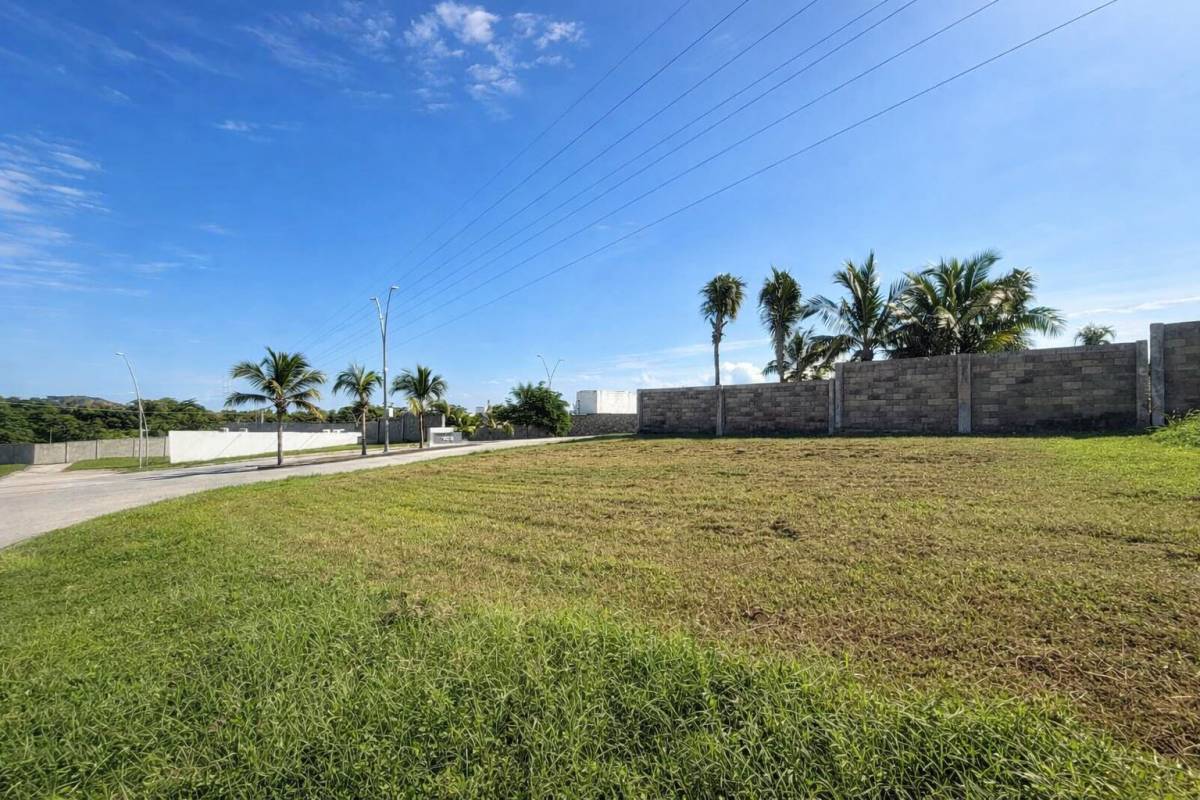 For sale
MX$1,440,000
Land
Land for Sale in Residencial Lomas del Dorado
Boca del Río, Veracruz
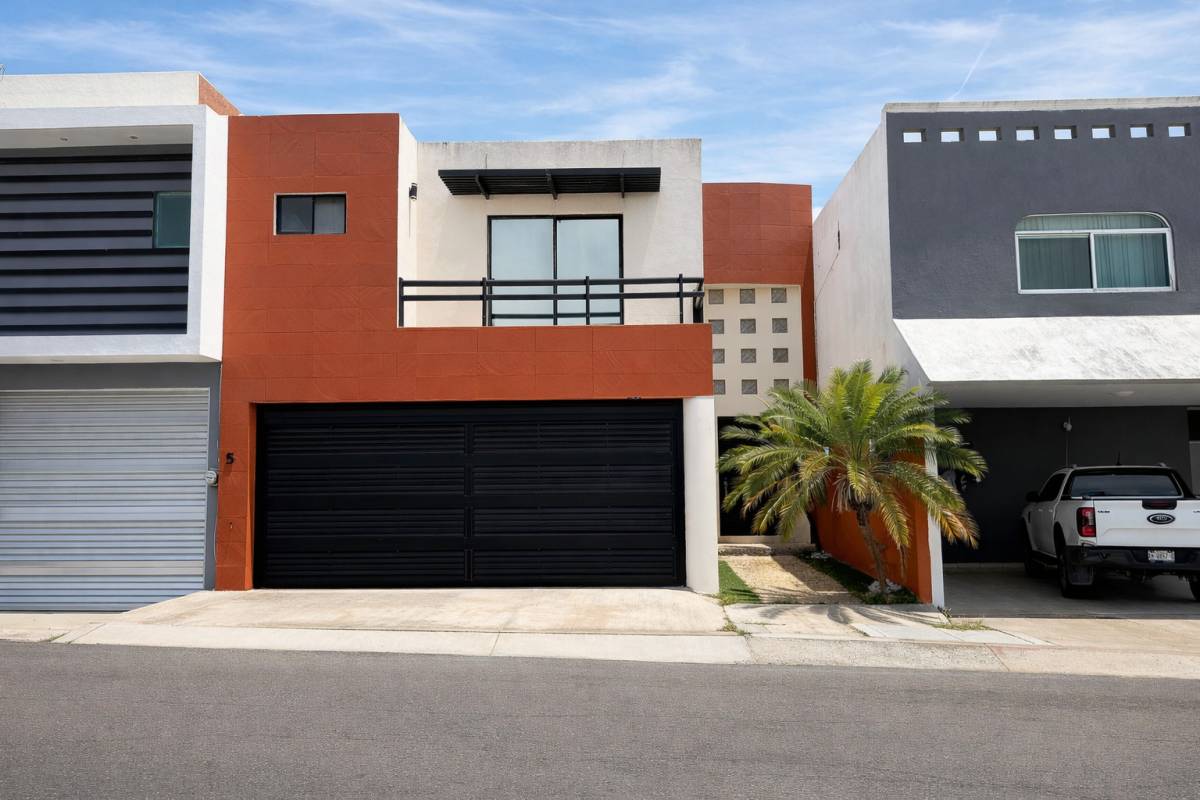 For sale
MX$3,900,000
House
House for Sale in Las Lomas, Riviera Veracruzana | 3 Bedrooms with Private Bathrooms
Alvarado, Veracruz
 For sale
MX$10,900,000
Land
Attention Investors
Puerto Vallarta, Jalisco
Keep reading
Related articles

Can I Buy a House Without Seeing It in Person?
Buying a house sight unseen is possible with photos, video, and a trusted representative.
María Elena Rodríguez

How to Search for a Home Online Without Wasting Time
Learn how to search for a home online in an organized way: the right filters, trust signals, a visit schedule, and common mistakes that drag out your search.
Inmobiliaria32 Team

How to Price Your Home to Sell It (Without Giving It Away)
Getting the price right decides whether your home sells in weeks or sits on the market for months.
María Elena Rodríguez

Where to Buy an Affordable Home in Edomex on a Low Budget
A practical guide to finding cheap homes in the State of Mexico (Estado de México): affordable municipalities and ballpark price ranges.
María Elena Rodríguez
Building and remodeling
Keep learning before you decide
33 guides on building and remodeling, and thousands of properties listed across Mexico.